AstroPlotorium is a desktop planetarium and a 3D atlas of the sky and the solar system. Choose a star, planet, moon, comet, or nebula, then look at that same object from the sky above your city, a star chart, a table of positions, or a model of space.
It is built for learning. You do not need to know the coordinate systems first. Change the place, the time, and the view, and the object stays selected.
See it from several sides
- Your sky. Set a city or paste a latitude and longitude. Watch the local horizon, sunset, and a planisphere for that place.
- A chart and a table. Read coordinates, rise and set, and a short ephemeris, and turn stars, names, constellation lines, and grids on or off.
- Space in 3D. Fly through a scaled solar system, the nearby stars, and a model of the Milky Way, or hover above a planet.
- A class or a talk. Save a screenshot, or run a short presentation with the toolbars hidden and your captions on the sky.
Drive the view
The same controls can run again as a script, or follow an AI assistant on this computer. Both use one command set: the target, the field of view, the clock, the place, the layers, and the main view.
Scripting
Open the script console and write a short JavaScript tour. Go to Sirius, narrow the field, wait, then go to Mars. Each turn finishes before the next line runs. Sample tours are included: a Portland sunset, the moons of Jupiter, Orion, the inner planets. Save your own and play it whenever you teach or present.
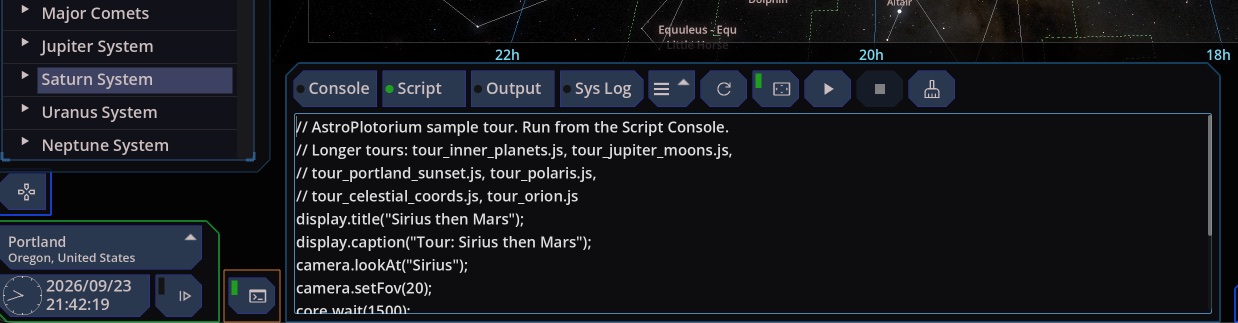
The app writes those commands as you click, so a line from the system log is a starting point. The command list is in Scripting.
An AI assistant / MCP Server
Check MCP Server (localhost) in the home menu, then connect Cursor, Claude Desktop, or Claude Code. Ask in ordinary language: show the Moon in 3D, step the clock forward a day, hide the constellation lines. The assistant drives the app that is already open. The server stays on this computer.
How to connect is in Controlling the app from an AI assistant.
Who it is for
Students, teachers, and anyone who wants a name in a catalog to match a place in the sky and a place in space.
Get the app
AstroPlotorium for macOS
AstroPlotorium for MS-Windows – 7 days free trial available.
User manual
The user manual is available now, including a quick tour of every view, scripting, and controlling the app from an AI assistant.
A few scenes
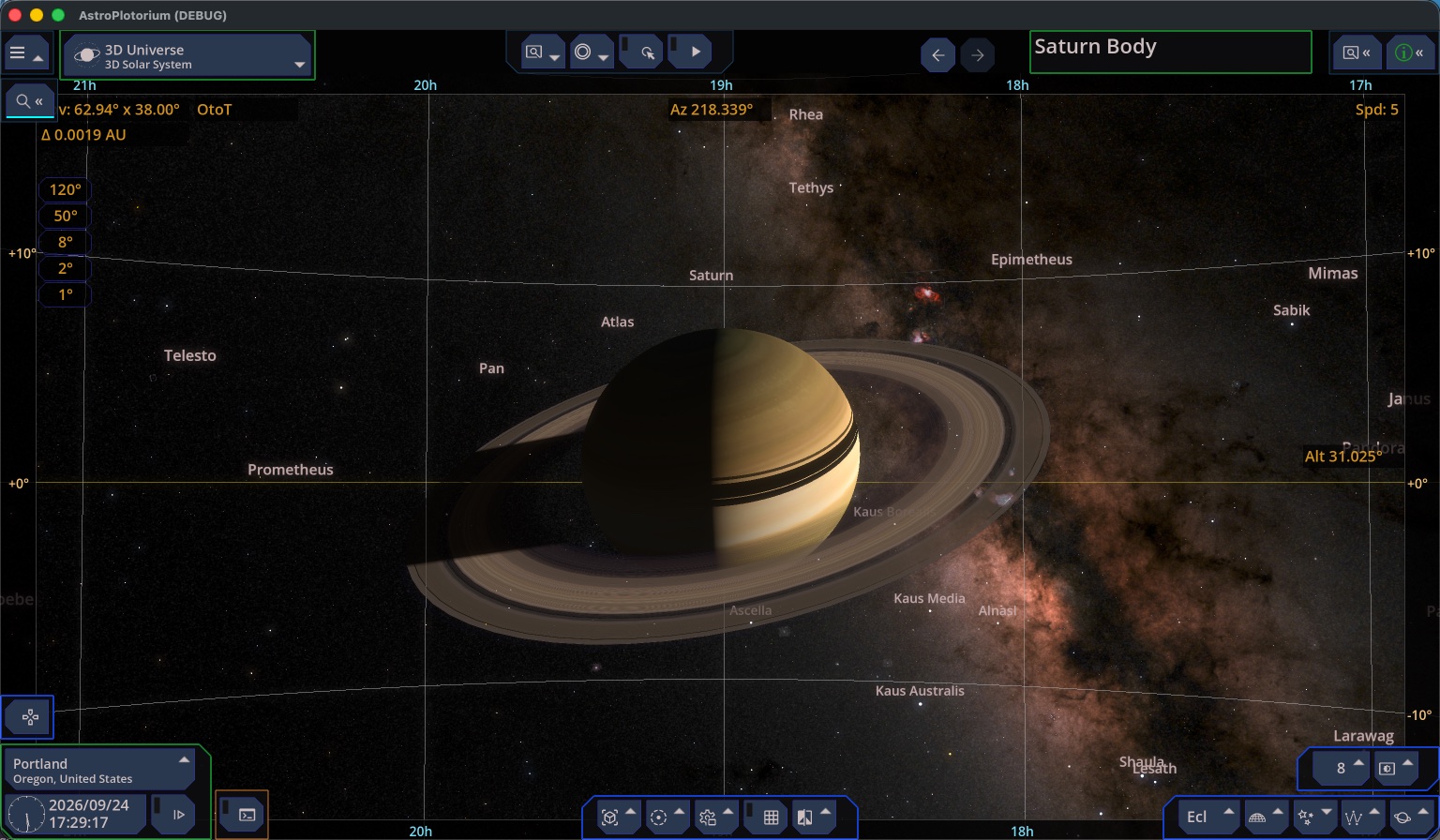
The local sky from your site, with the ground and the horizon.
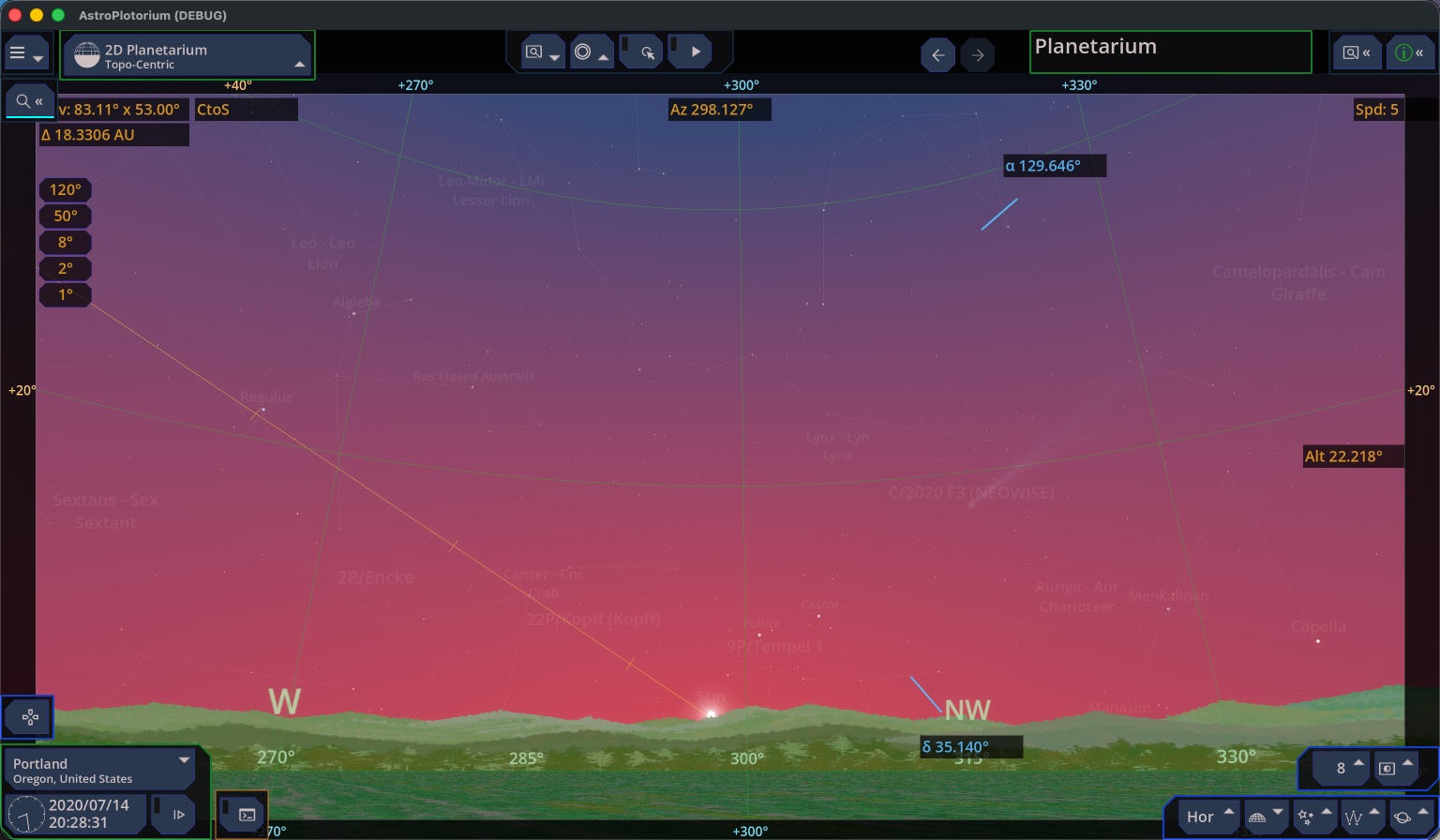
The same sky at sunset, with the atmosphere and the landscape.
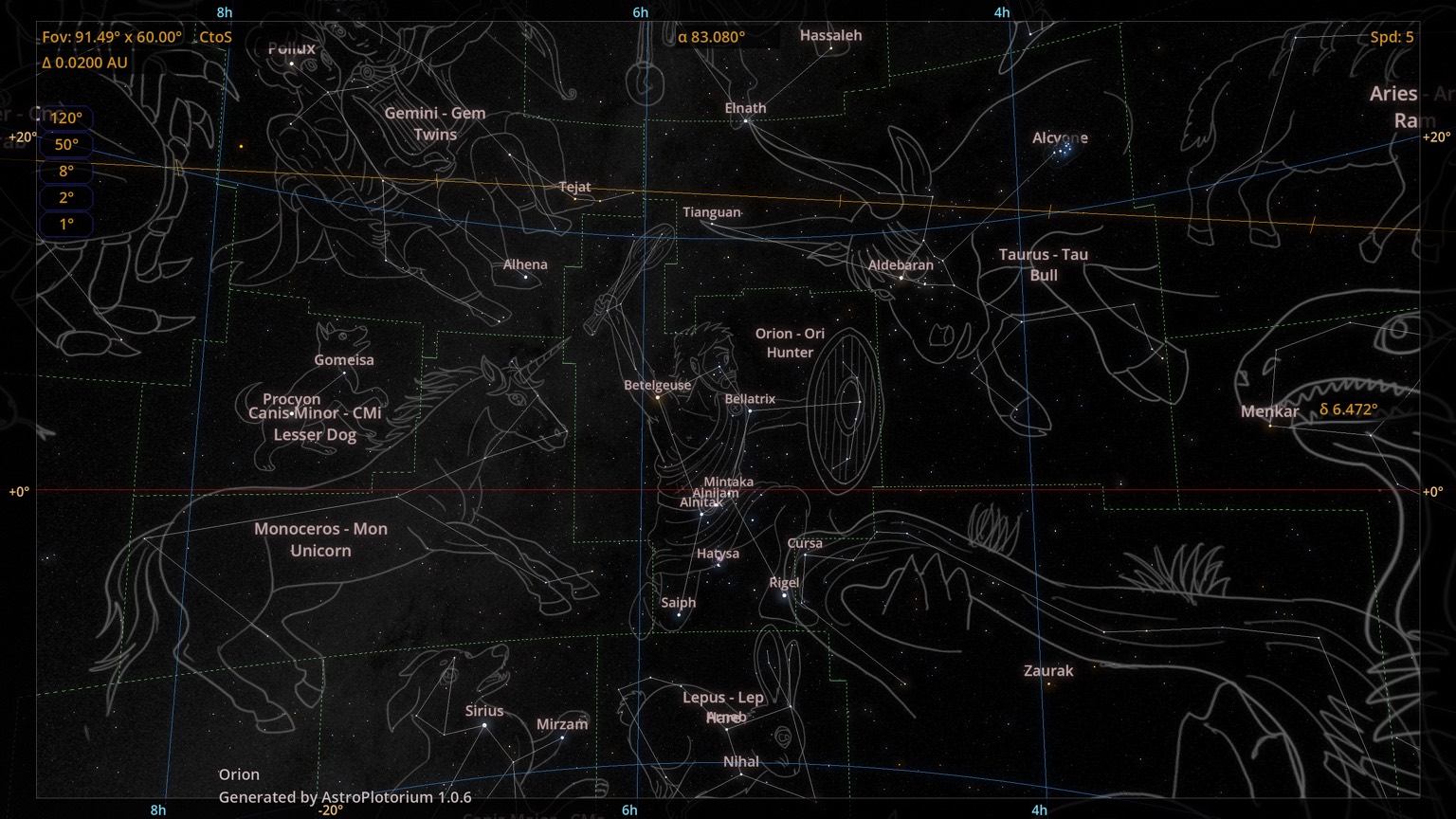
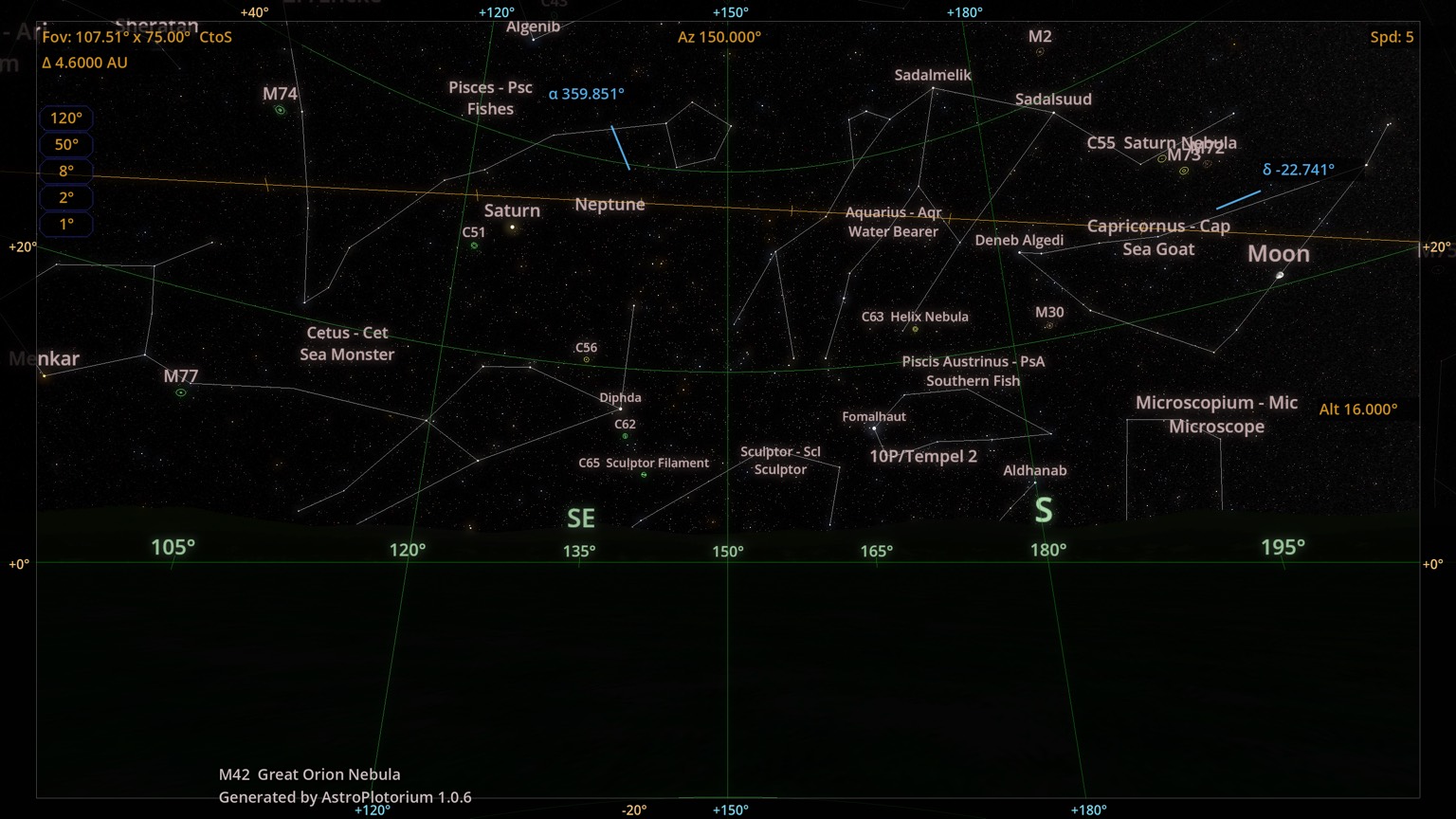
The whole sky as a chart, including objects below the horizon.
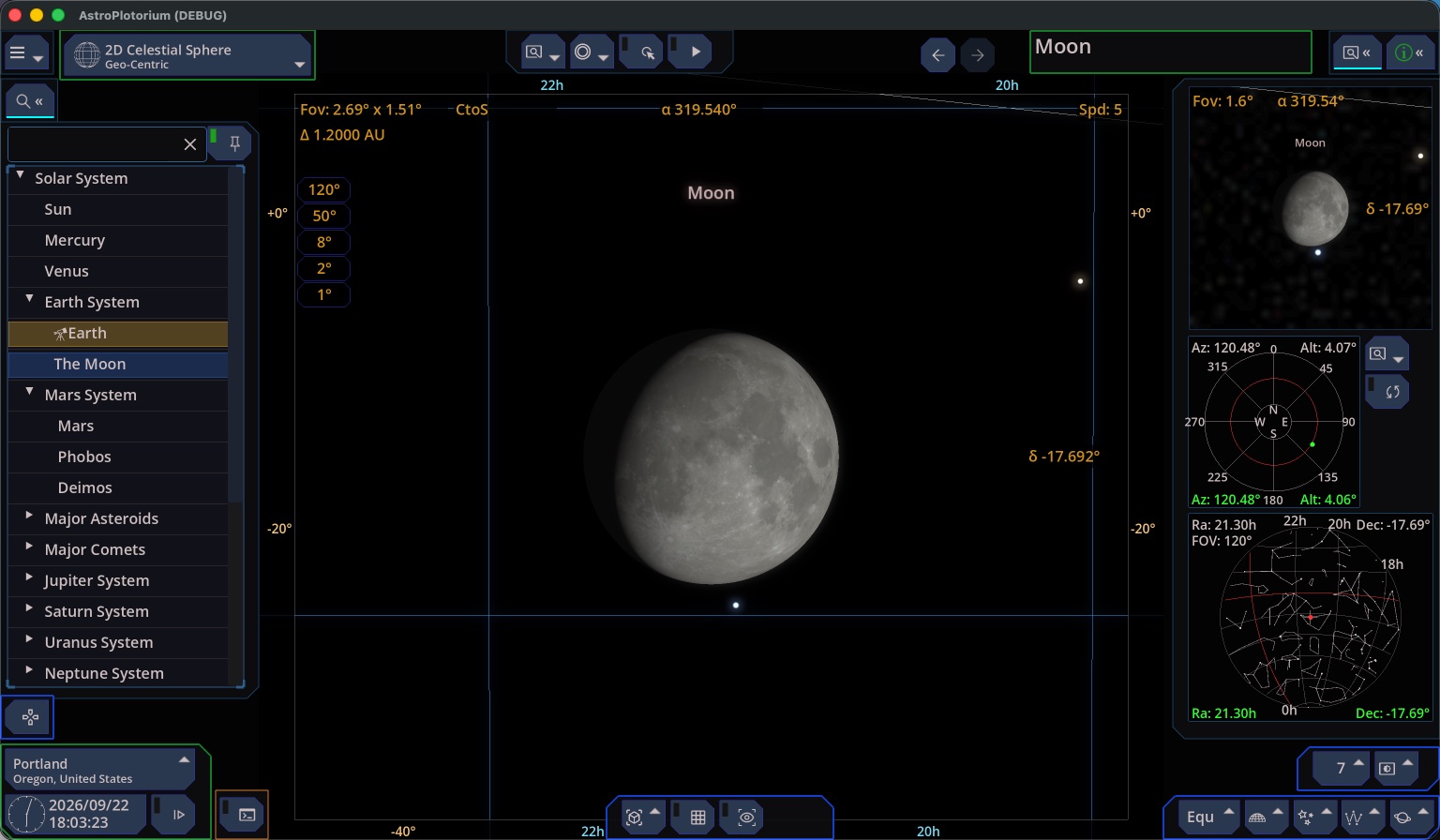
A narrow field on the same chart. This one is the Moon.
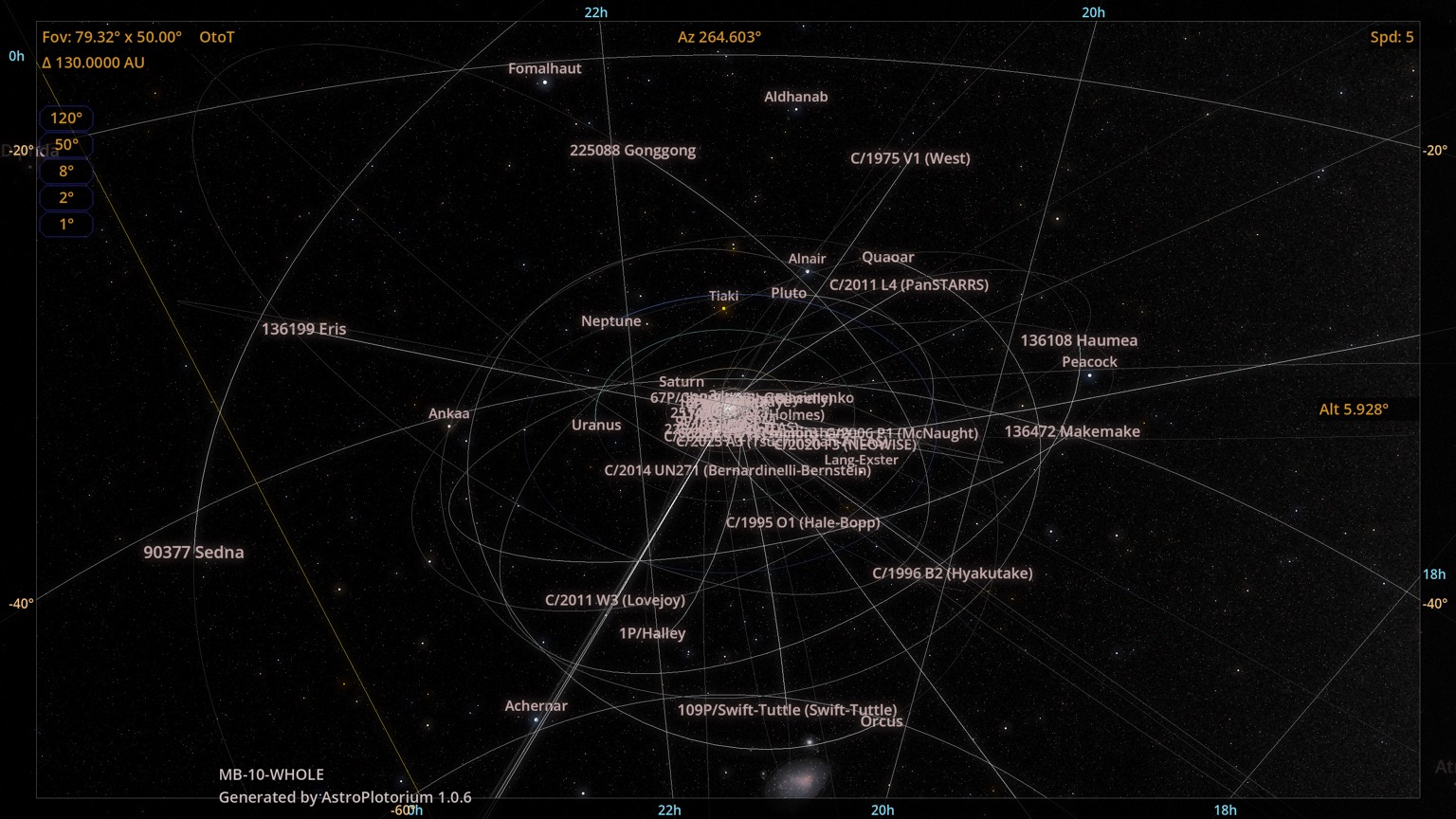
The planets and comet paths in one spatial view. Distances are compressed so the system fits.
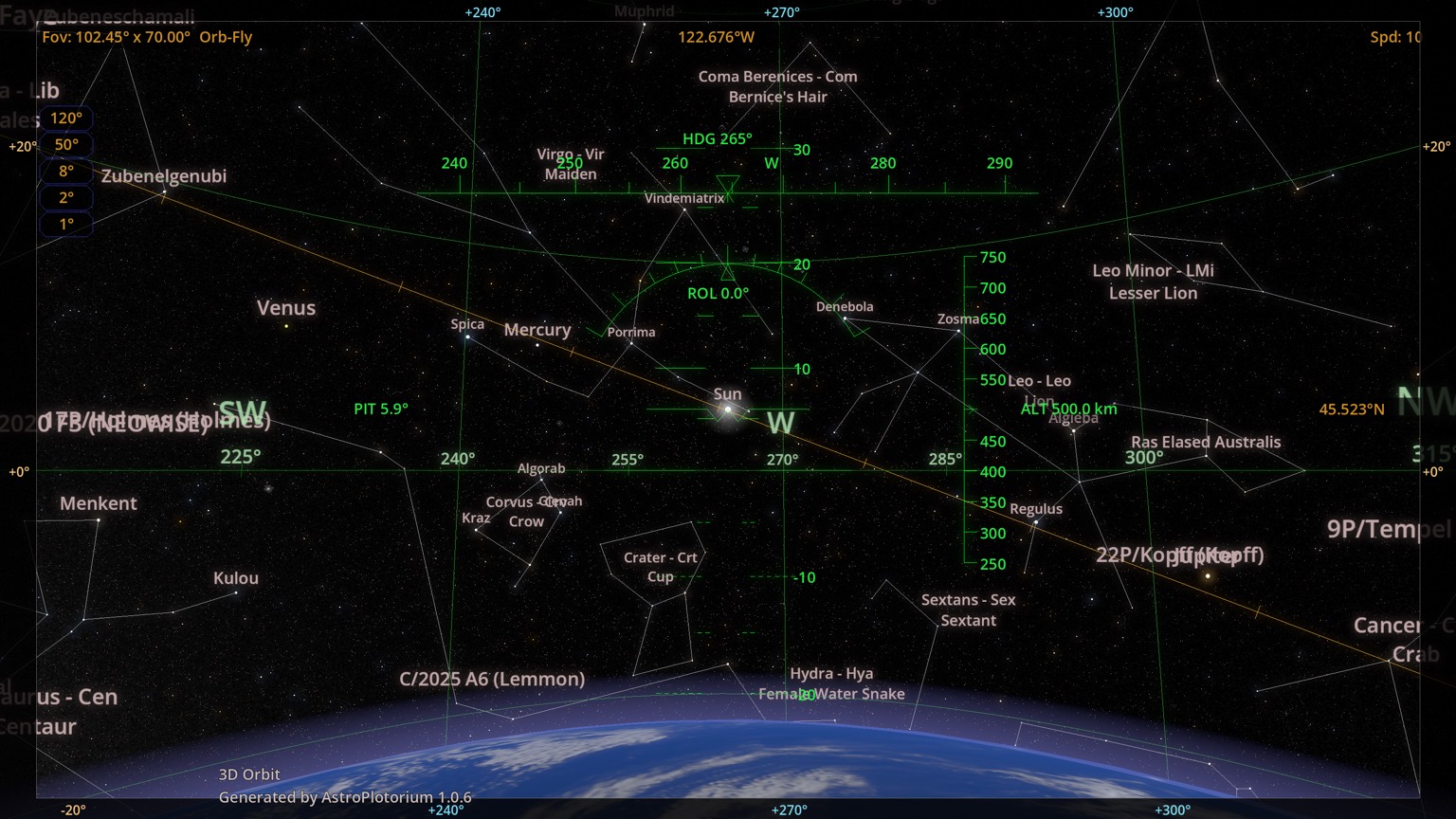
The view from altitude above a planet.
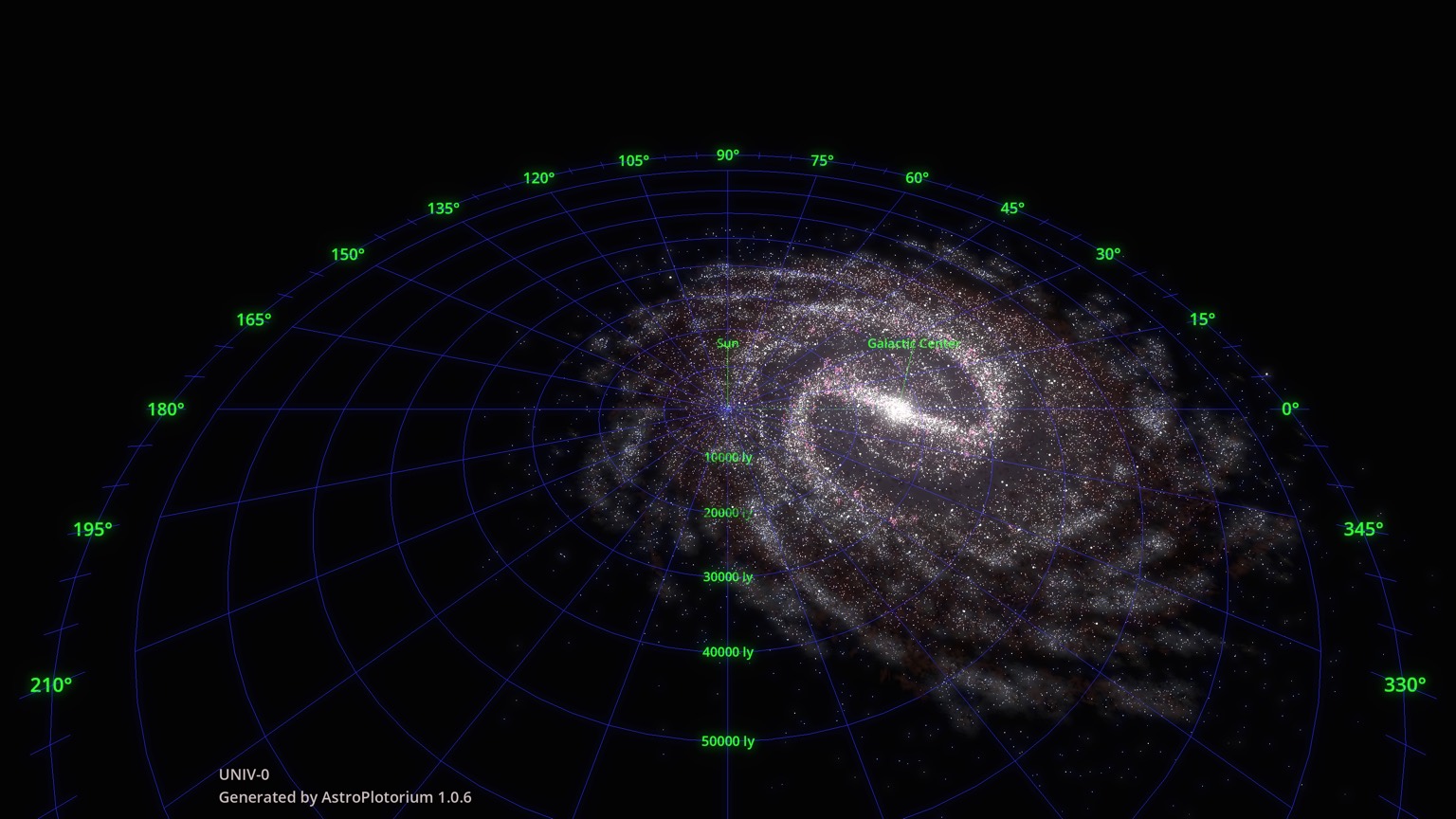
A model of the Milky Way, with the Sun’s place in it.
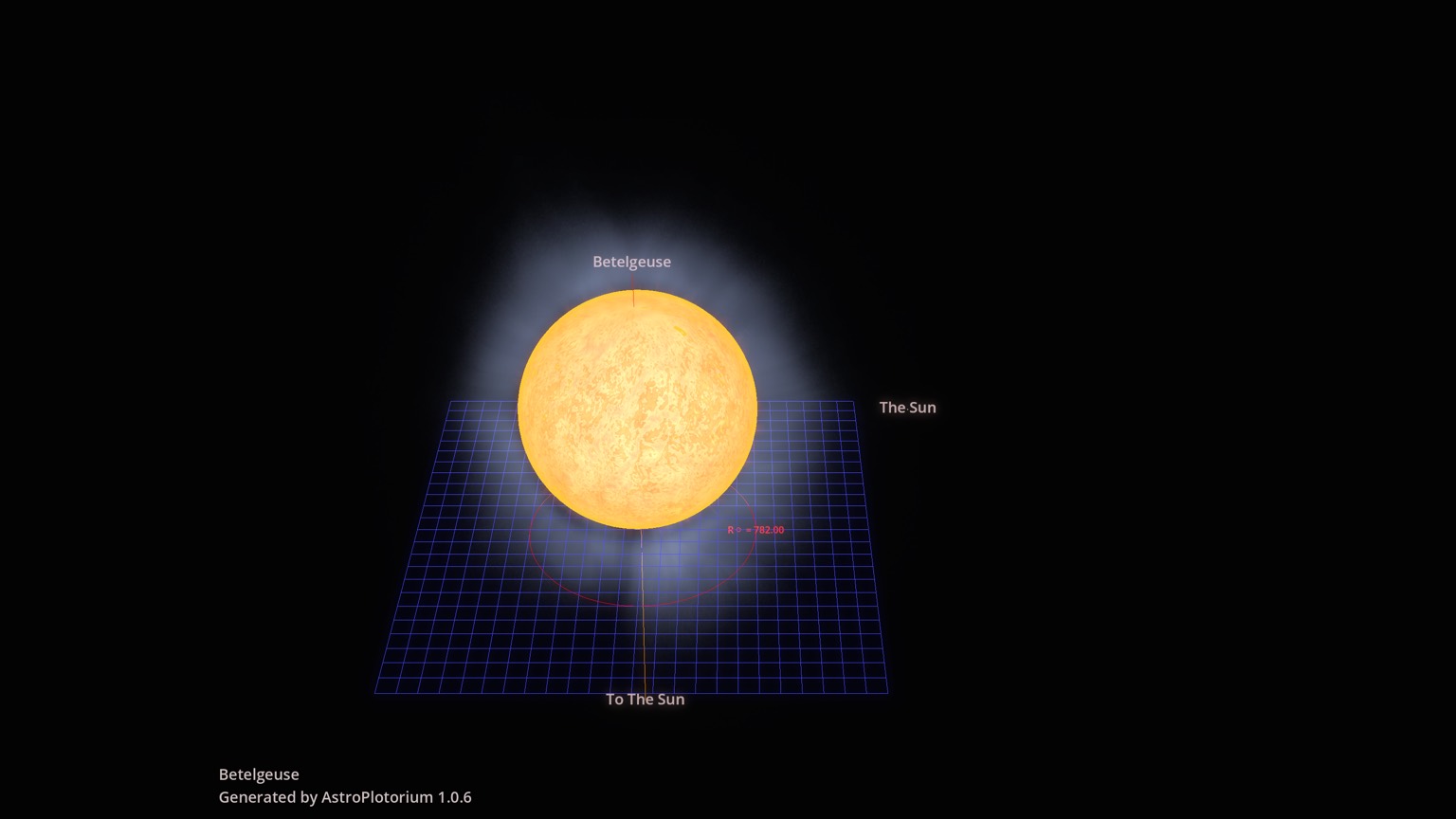
A star beside the Sun at the same scale. This one is Betelgeuse.
The other scenes, and how to use each view, are in the quick tour.
Copyright
Copyright (C) 2026 Mozusystems, LLC. Presented by Keiji Ikuta.
Catalog credits, tool licenses, and data sources are listed in the app under the home menu, Acknowledgement.