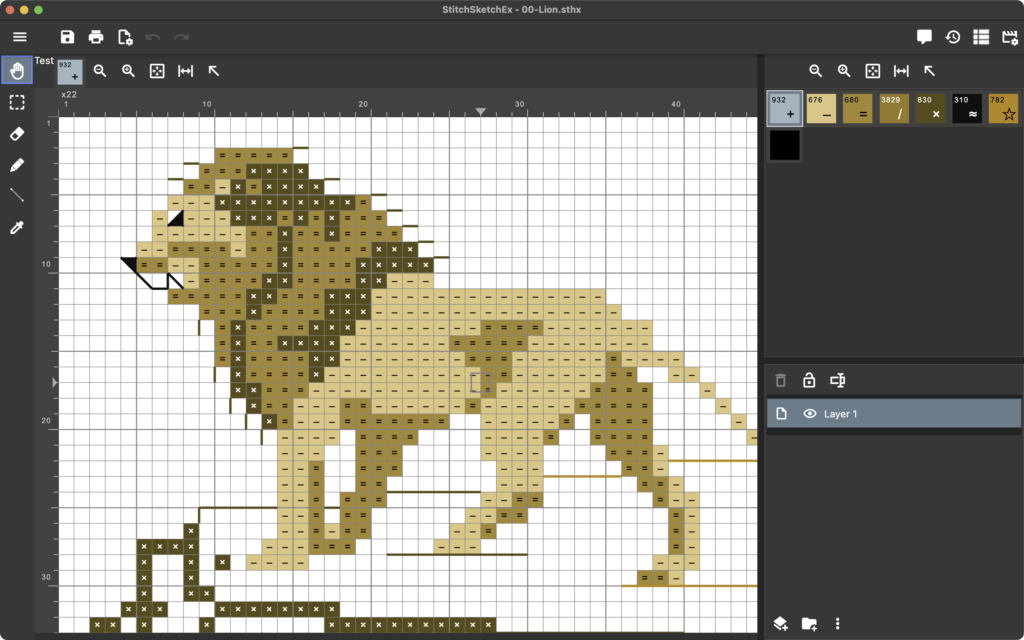
StitchSketchEx is the upgraded version of the popular KG-Chart and StitchSketch apps, for those who want to design charts for cross stitch, knitting patterns, pixel art, and more.
NEW!
User Maual is now available.
Overview
Design your own charts for crafts such as cross stitch, bead weaving, iron beads, knitting patterns, color knitting, pixel art, and more.
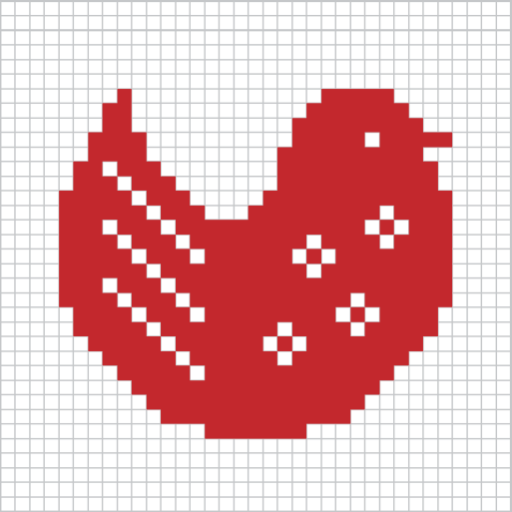
It is also suited for drawing “dotted” pictures, such as low-resolution pixel art icons.
StitchSketchEx is developed by the creator of the popular software programs “KG-Chart for Cross Stitch” and “StitchSketch”.
This upgraded version adds more functionality and cross-platform support for iOS, Android, Mac, and Windows.
Why choose StitchSketchEx? See its unique features.
Supported Platform
- MS-Windows (Windows 11+)
- macOS 13.5+
- iOS 15.6+
- Android 8+ (Level 26+)
- Amazon Kindle (Android 8+)
Features
-
Draw charts with symbols in cells.
-
Maximum chart size is 500 x 500
-
Vector Drawing (Backstitch, Fractional Stitch, Hardanger)
-
Generic color palette and color charts (palettes) for DMC(R), DFT, Anchor, Olympus, COSMO, Delica, Toho Best, and Perler(R) Beads.
-
Knitting symbols (Amizu Kigou (JIS)) for designing knitting patterns.
-
Rectangular cell size
-
Peyote and brick cells.
-
Drawing tools: Pencil, Rectangle, Ellipse, Flood Fill, Text
-
Selection tools: Selection, Cut, Copy, Paste, Rotate, Flip, and Stamp.
-
Edit colors and symbols
-
Convert your photo into a chart
-
Generate a chart as a PDF for emailing or printing.
-
Organize charts with thumbnails
-
Load legacy files, including KG-Chart (sth/sthbw) and StitchSketch (sthmb) files.
Screens/User Manual
How to get the app
StitchSketchEx Mobile for Android

StitchSketchEx Mobile for Amazon Kindle

StitchSketchEx Mobile for iOS
StitchSketchEx for Mac
StitchSketchEx for Windows – 7 days free trial available.
Copyright
Copyright (C)2026 Keiji Ikuta / Mozusystems, LLC
All rights reserved.
The copyright of the software “StitchSketchEx” belongs to the author, Keiji Ikuta.
You may not reverse-assemble, reverse-compile this software.
LIMITATION OF LIABILITY: The author shall not be liable for any damages whatsoever arising out of the use of this software.
Please don’t use this software for critical purposes.