StitchSketchEx User Manual
Unique Features
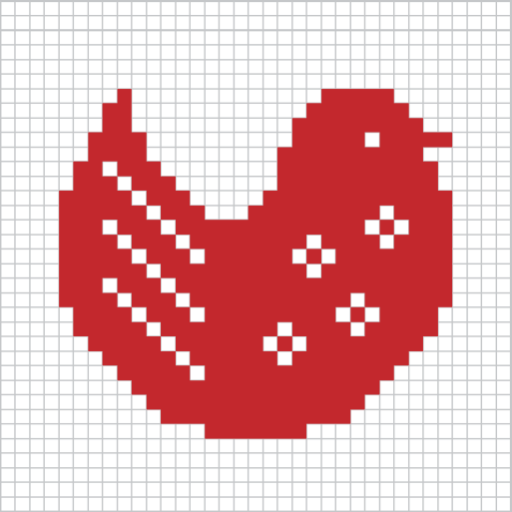
These features make StitchSketchEx useful for creating craft chart designs.
Primary Purpose: Draw Charts with Symbols in Cells
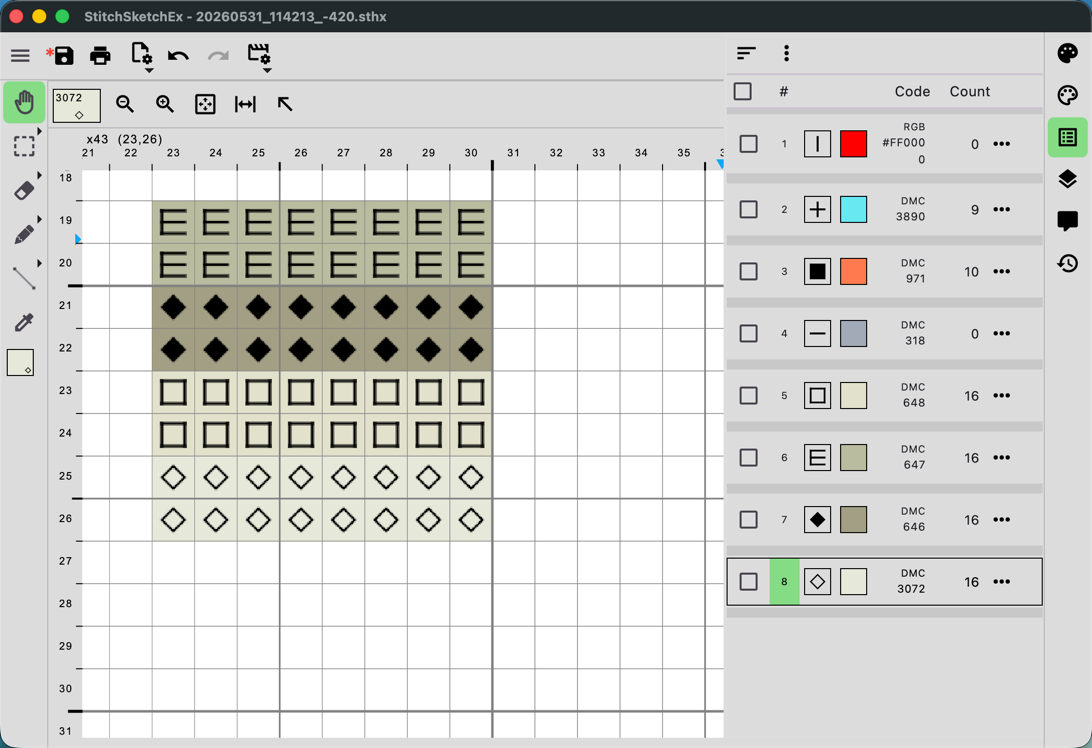
One of the most important features of StitchSketchEx is that each cell can include a mark.
Marks make colors easier to distinguish.
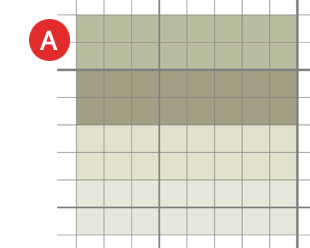
Compare A and B below. B uses marks to make similar colors easier to tell apart.
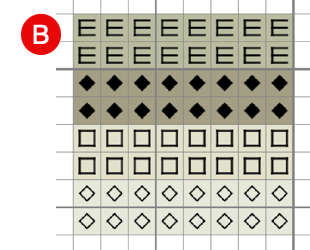
Each color can also have a thread code. In this example, the chart uses DMC thread colors.
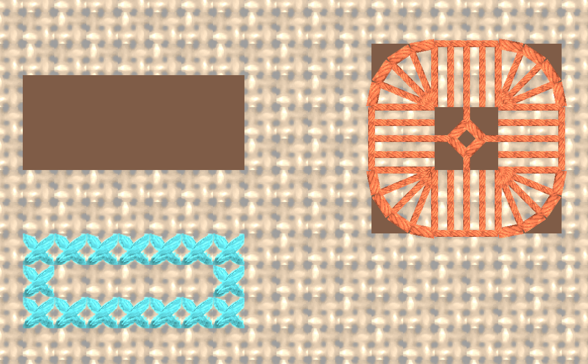
Vector Drawing (Backstitch, Fractional Stitch, Hardanger)
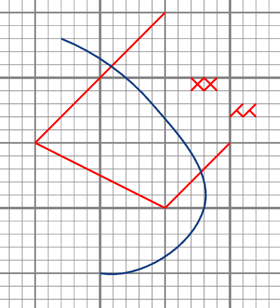
Another feature is the ability to combine cell-based images with vector graphics.
Cross stitch and other embroidery designs often include both stitch patterns and backstitches.
StitchSketchEx can handle both.
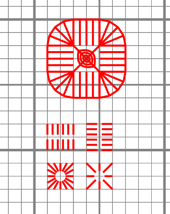
It also supports Hardanger stitches.
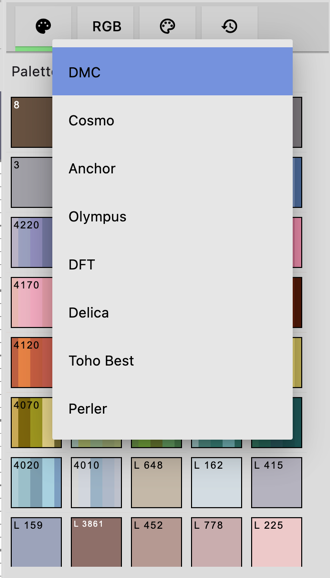
Generic color palette and Color Charts (palette) for: DMC®, DFT, Anchor, Olympus, COSMO, Delica, Toho Best, Perler® Beads
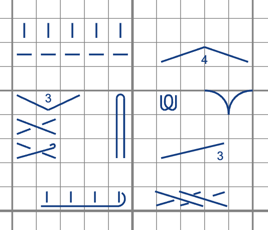
Knitting Symbols (Amizu Kigou/JIS) for Designing Knitting Patterns
StitchSketchEx supports “Amizu Kigou” knitting chart symbols, which are used in Japan and defined by JIS (Japanese Industrial Standards).
Rectangular cell size
For bead weaving patterns, StitchSketchEx supports rectangular cells.
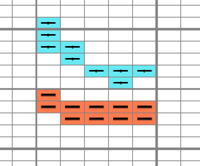
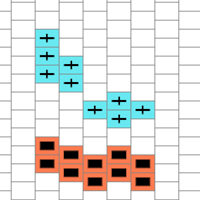
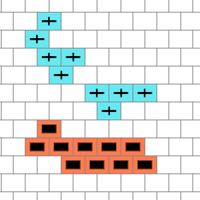
Peyote and Brick Cell Arrangements
For bead weaving patterns, StitchSketchEx supports peyote and brick cell arrangements. This is also a unique feature that many other applications do not support.
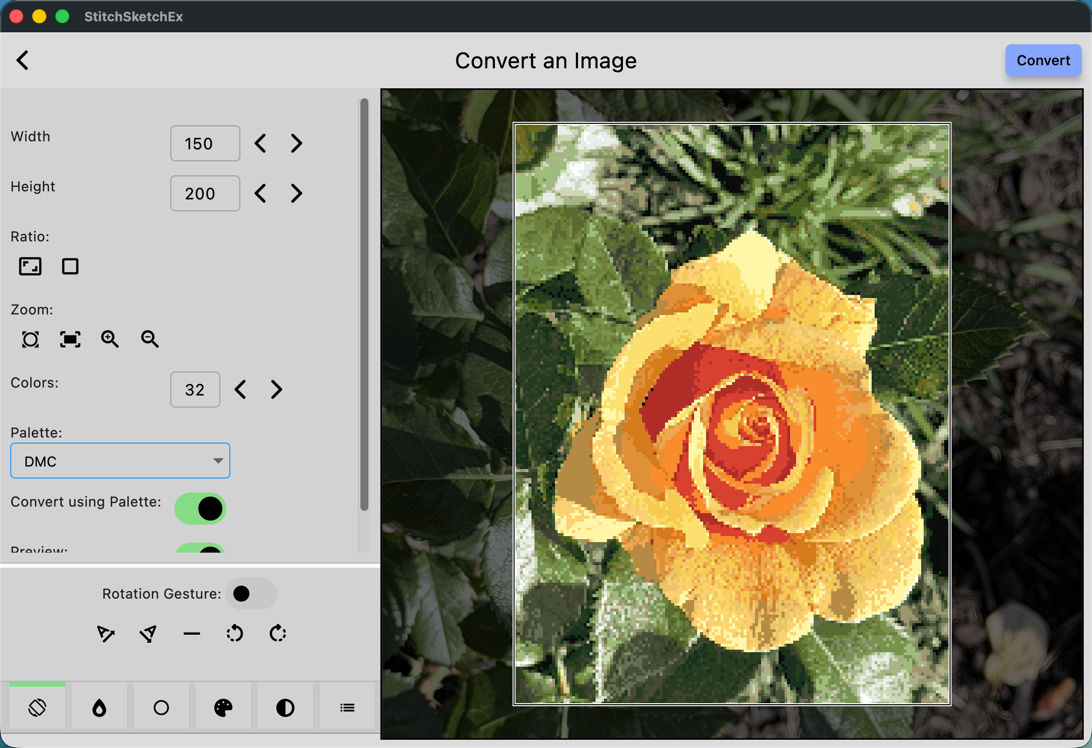
Convert your photo into a chart
You can convert an image into a chart, apply color corrections, and reduce the number of colors.
StitchSketchEx can also assign colors from a manufacturer’s palette, such as DMC.
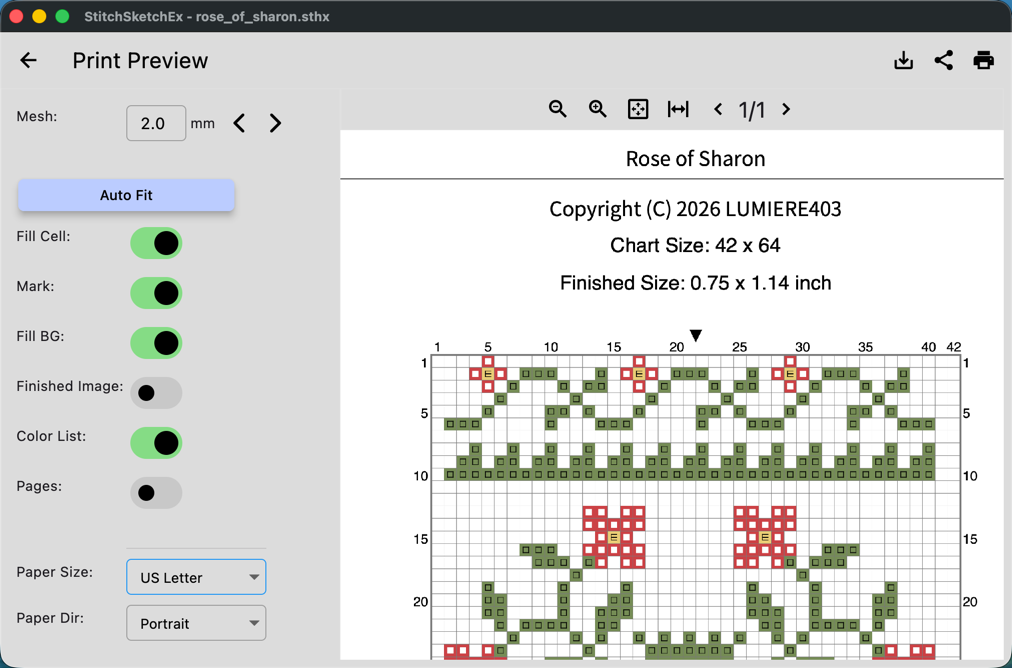
Generate a Chart as a PDF for Emailing or Printing
You can generate a PDF or print the chart.
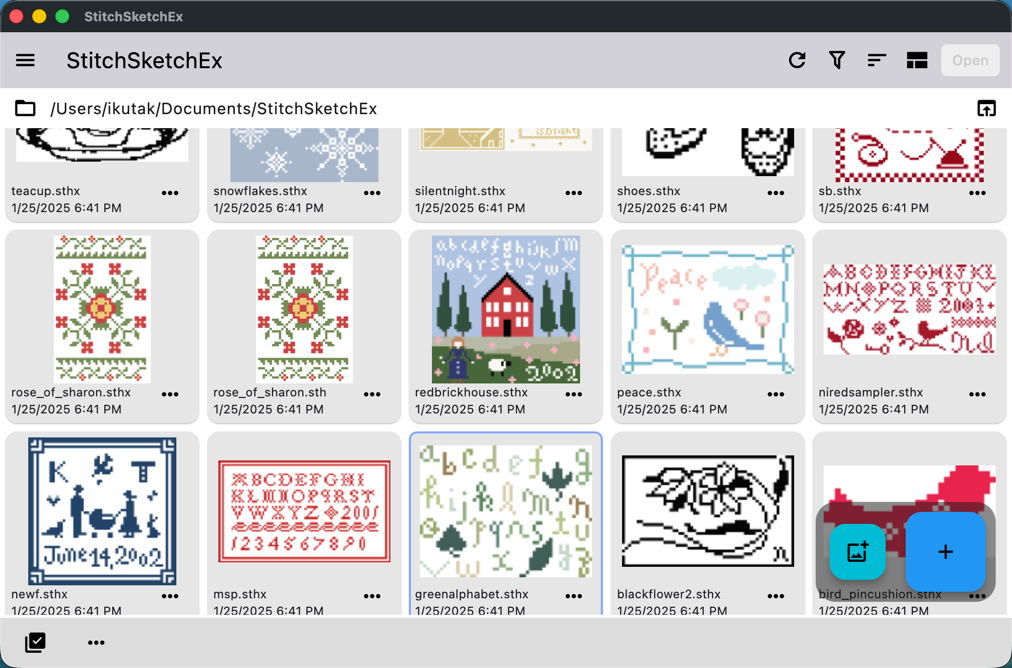
Organize charts with thumbnails
The chart file manager helps you manage your charts with thumbnails.
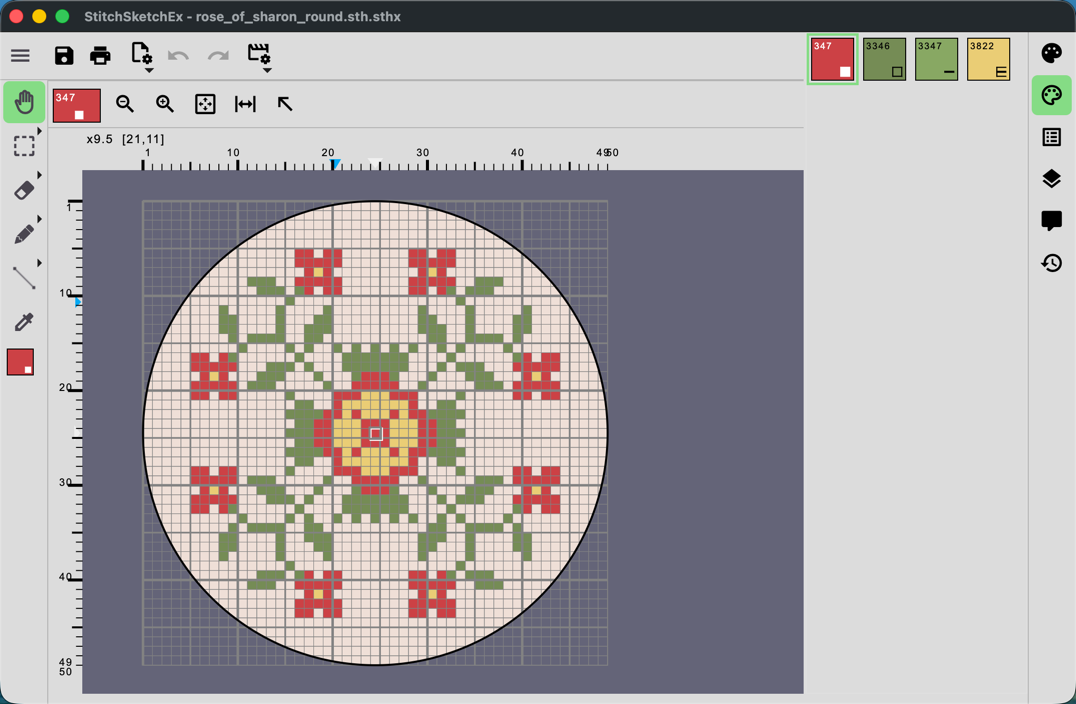
Sheet Shape
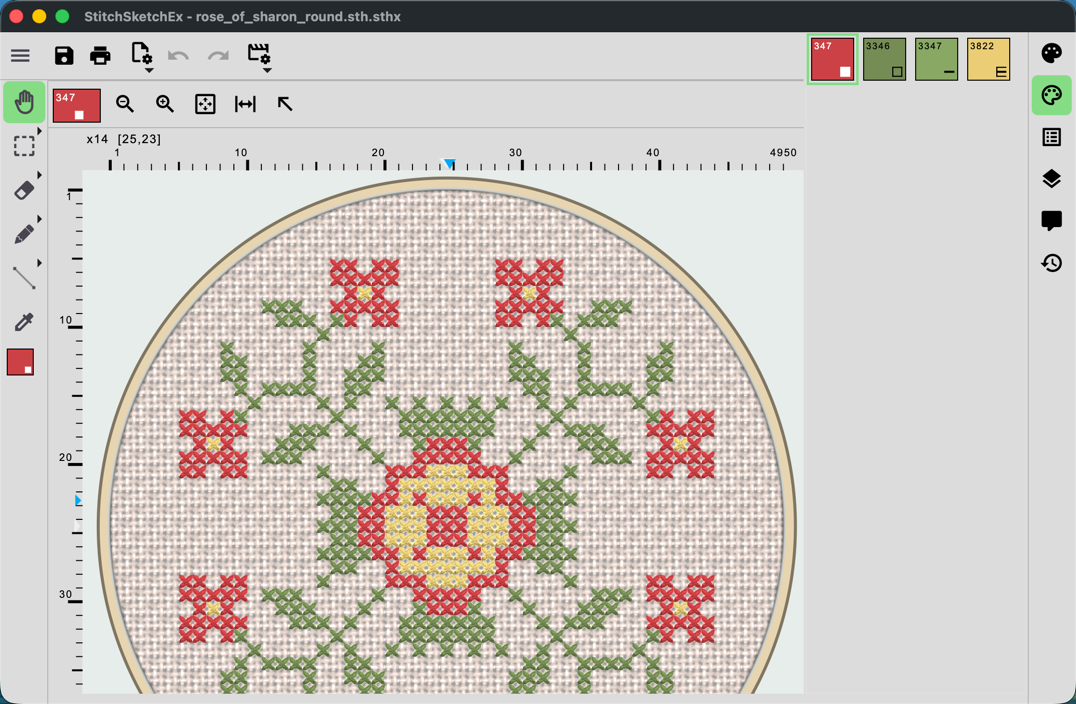
For cross stitch, the sheet shape can be rectangular or circular.
Real View Simulation
StitchSketchEx can simulate the real finished image.
Cloth Cut-off
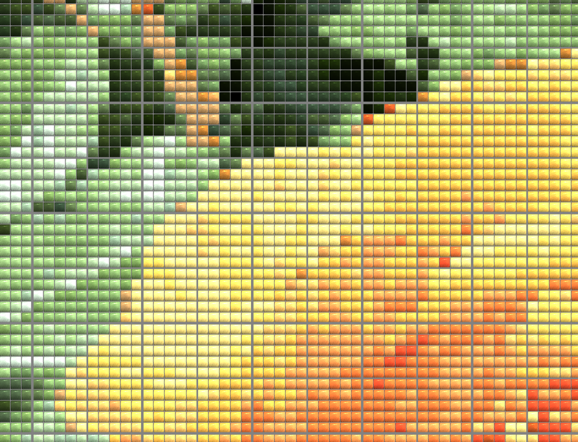
Each cell can have one of three states: stitched, cloth, or no-cloth.