MusicKeyRoll User Manual
Settings
MIDI Devices
This page lists all connected MIDI controllers.
It also includes the Music Keyboard (default keyboard) and the Screen Keyboard as available input devices.
Here you assign each device to an input channel.
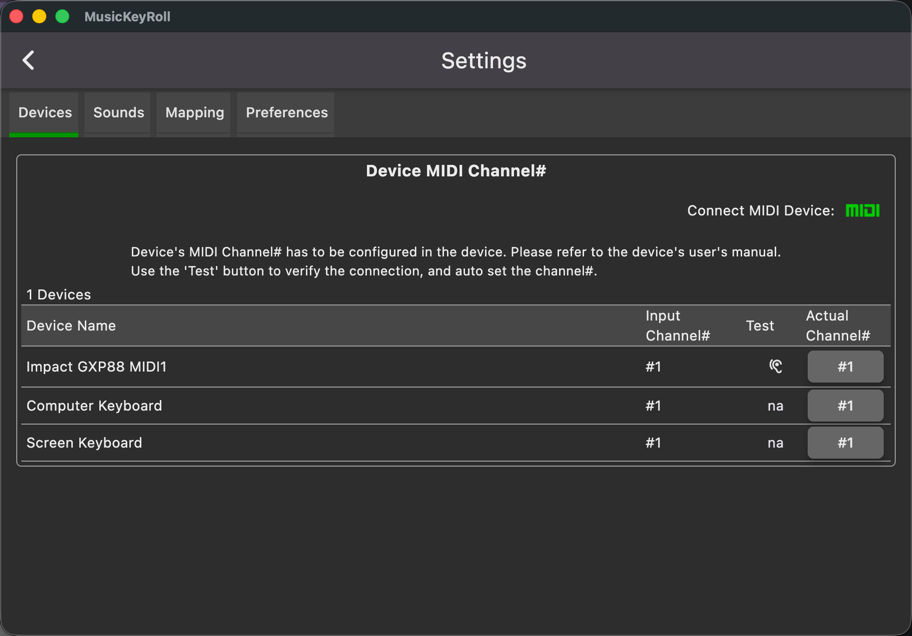 You can set which channel each device uses.
For a music keyboard, use channel 1 (default).
You can set which channel each device uses.
For a music keyboard, use channel 1 (default).
Sounds
This page shows the mapping between each sound slot and its synthesizer/instrument.
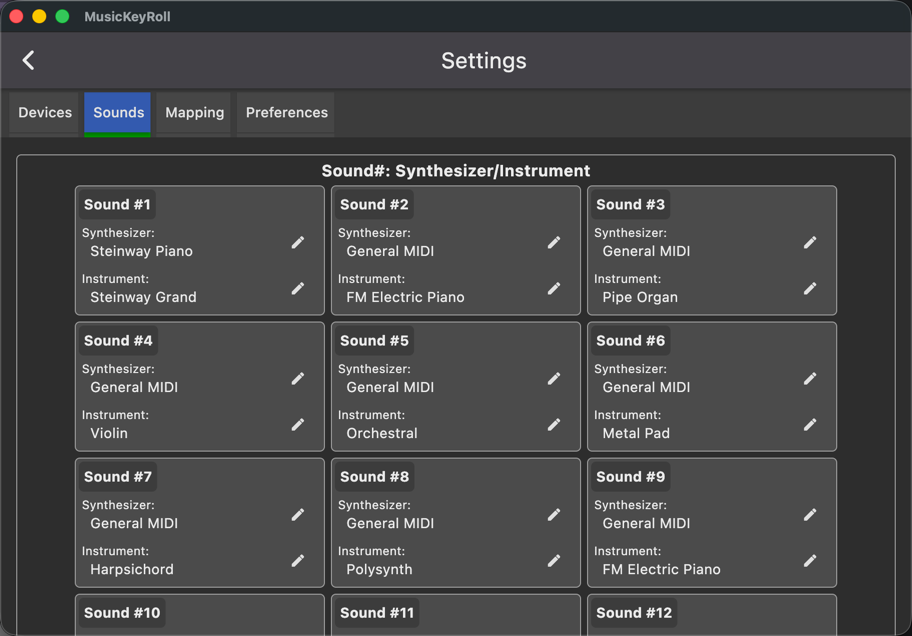 You can define sixteen (16) sound slots.
Each sound is defined as a synthesizer-instrument pair.
You can define sixteen (16) sound slots.
Each sound is defined as a synthesizer-instrument pair.
Synthesizer options:
- Steinway Piano
- General MIDI
instruments:
- Available instruments depend on the selected synthesizer.
Mapping
This list defines the mapping from input channels to sound slots.
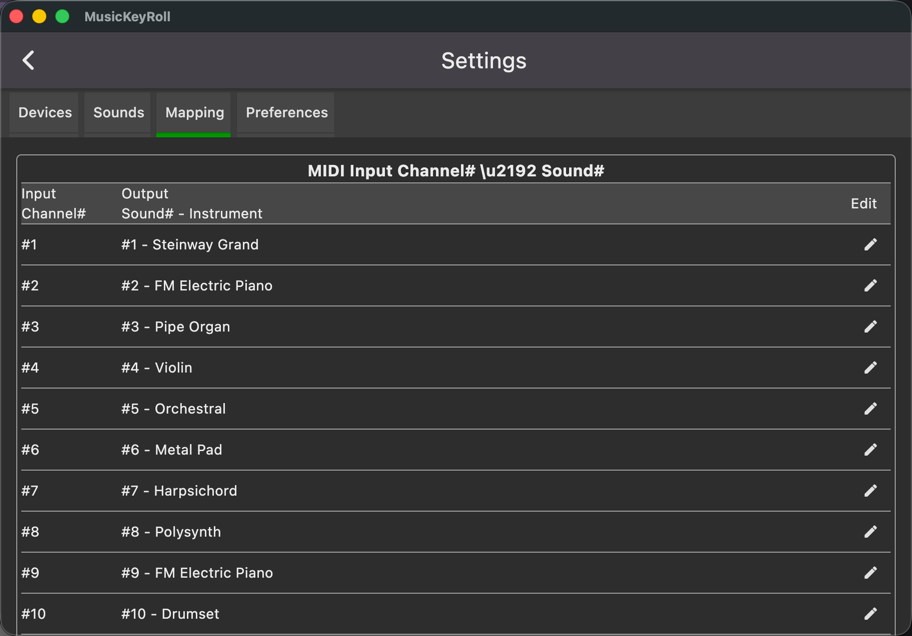
Input channel -> sound slot for output
So, in the example above, the MIDI keyboard is on channel 1, which uses Sound 1 (Steinway Grand Piano).
Preferences
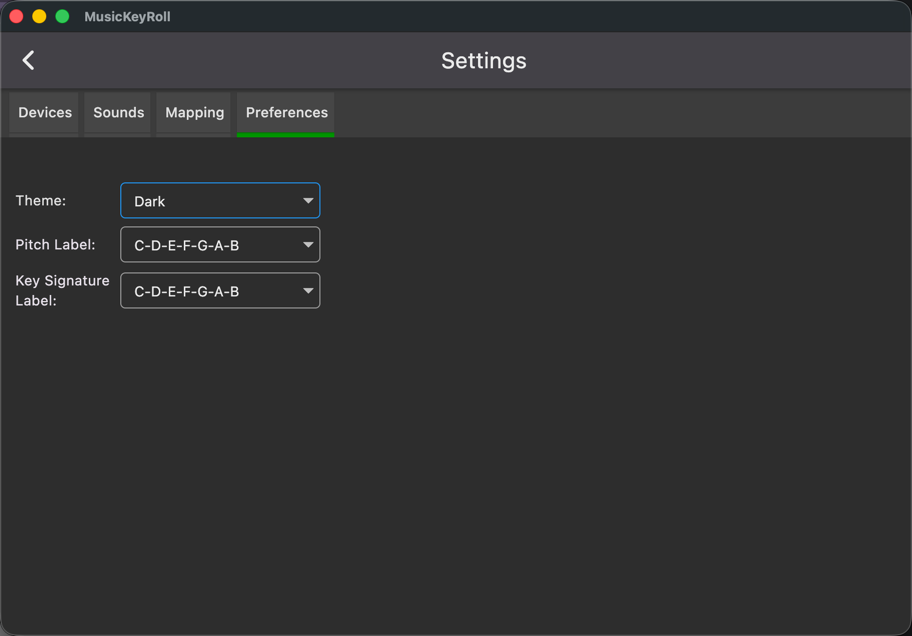
Choose app preferences.