StitchSketchEx User Manual
Click the eraser icon to select the eraser tool.
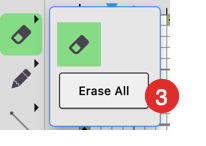
Click the icon again to show more tools. Currently, the additional tool is “Erase All”.
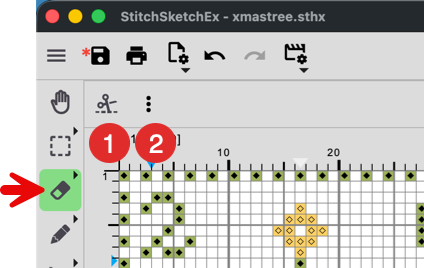
- Cloth cut-off mode
- More option (See below)
- To erase the entire chart, use “Erase All”.
Cloth cut-off mode
To cut the cloth, turn on this mode, and use the eraser to remove cloth.
For details about cut-off and background states, see Background, Cloth, Stitch Color.
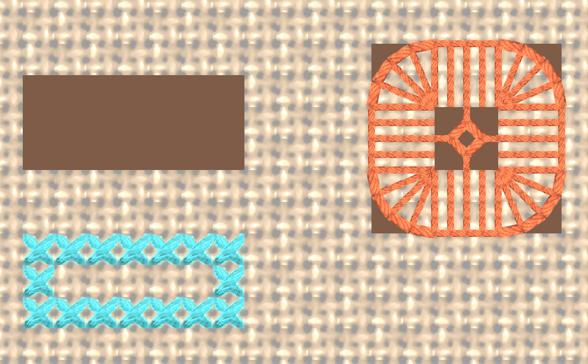
#2 is a normal erased state, #1 is the “cut off” state, and #3 shows drawn cells.
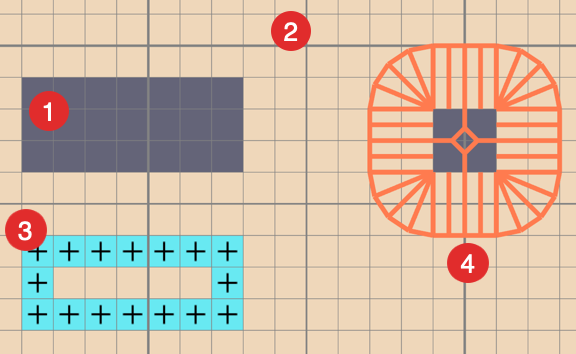 In real mode, you see the difference clearly.
More Option
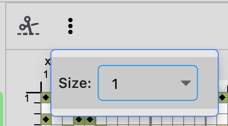 You can change the eraser size.