StitchSketchEx User Manual
This page explains how to move chart files from StitchSketch into StitchSketchEx.
This process requires a cloud drive setup on your device, such as iCloud Drive or Google Drive.
Export the file from StitchSketch
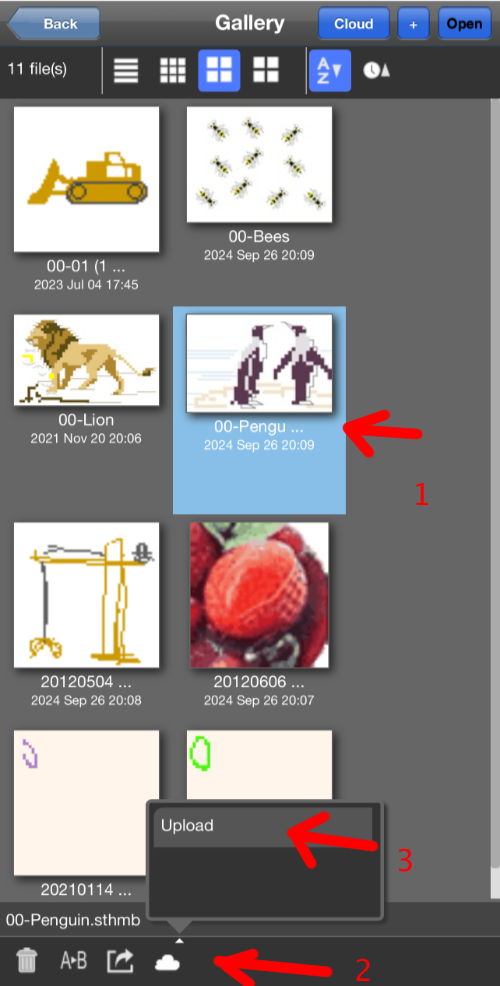
In StitchSketch, open the Gallery page and select the chart you want to upload. From the bottom toolbar, click the “Cloud” icon and choose “Upload”.
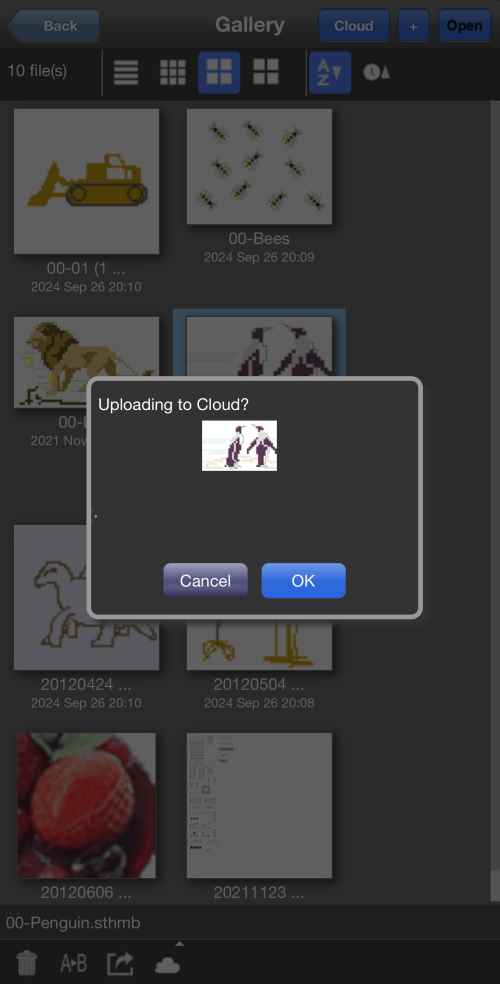
A confirmation dialog appears. Click “OK”.
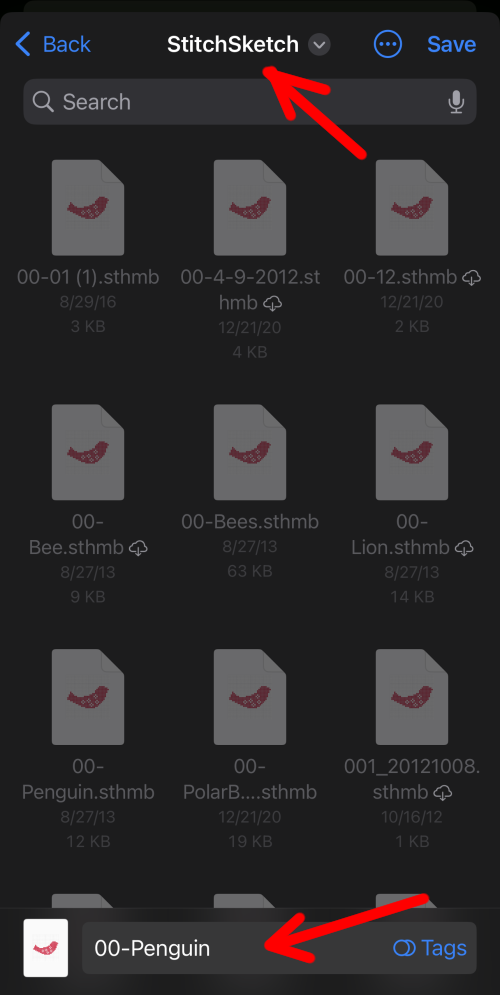
The iOS Files app opens, and you can choose the folder where you want to save the file. The default folder is usually based on the app name, so here it is the “StitchSketch” folder. Confirm the file name and click “Save” at the top right.
When the upload is complete, a message appears.
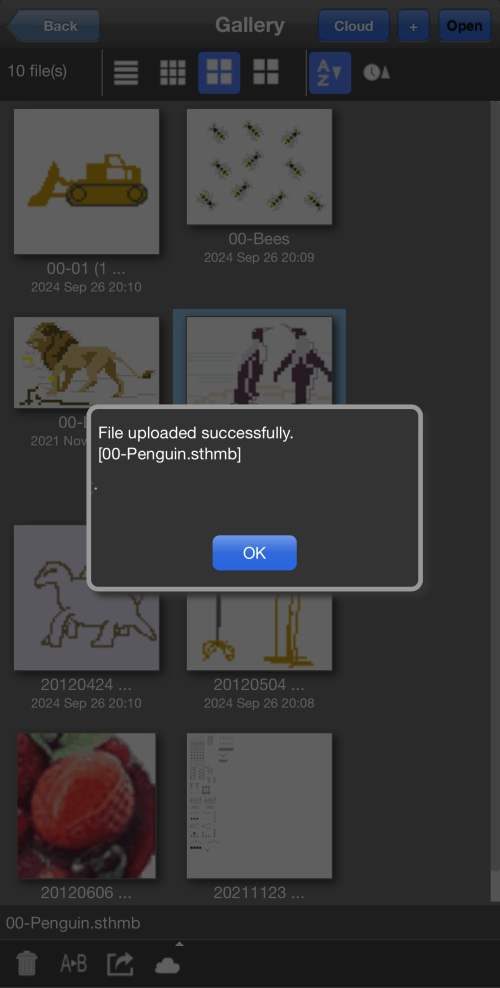
At this point, the file should be in your cloud folder.
The StitchSketch file extension is .sthmb.
Import the file into StitchSketchEx
To StitchSketchEx Desktop
For StitchSketchEx desktop, copy the file from your cloud drive to the workspace folder.

To StitchSketchEx mobile
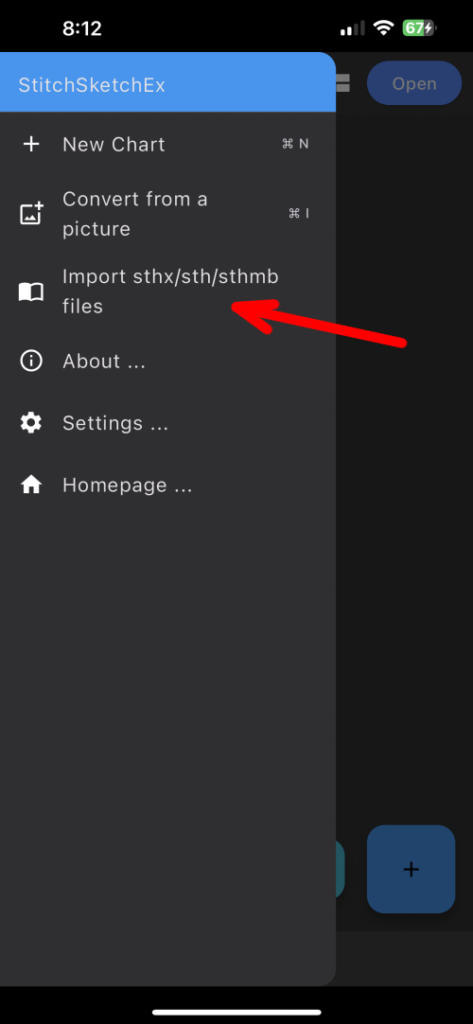
In StitchSketchEx mobile, open the main screen and click the menu button at the top right to open the drawer. Choose “Import sthx/sth/sthmb files”.
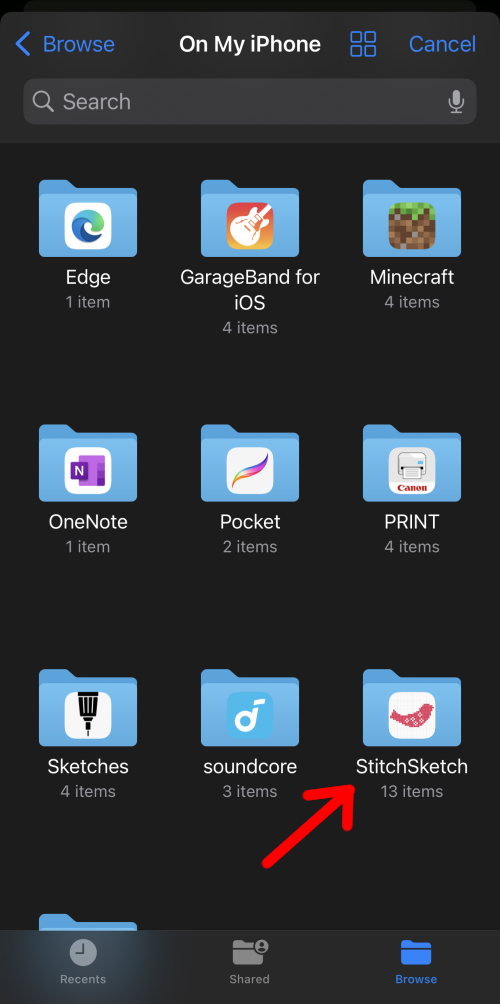
Choose the “StitchSketch” folder, then select the file you want to import. Click “Open” at the top right.
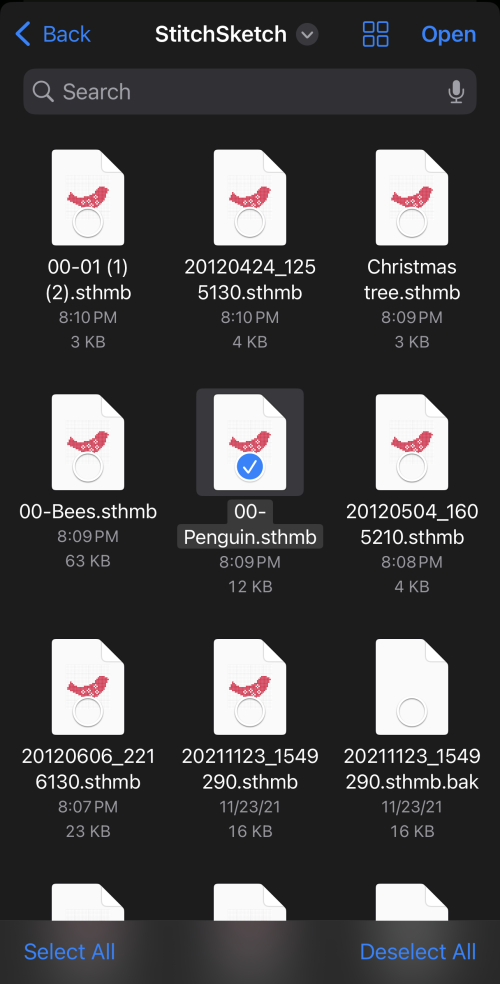
The file is downloaded and appears in the file manager.
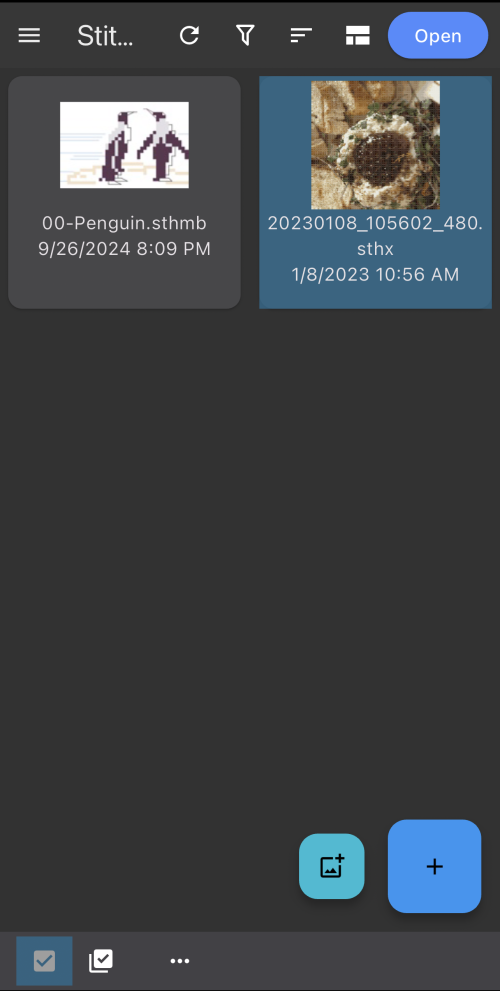
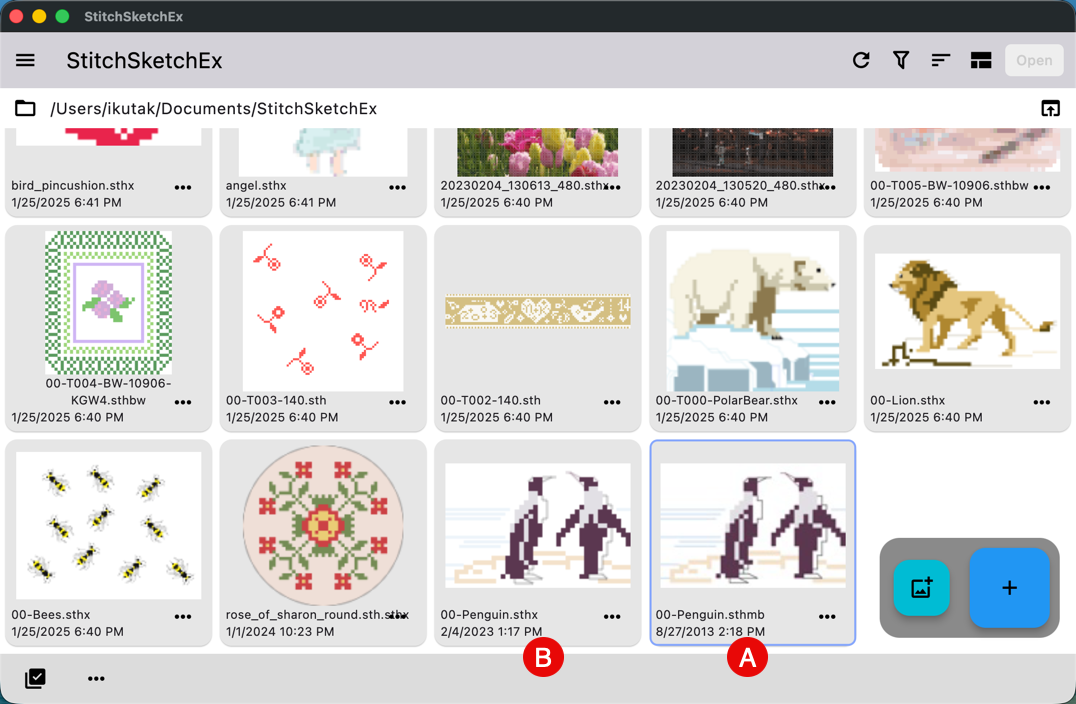
Notice that the imported file still has the .sthmb extension.
Save it as a StitchSketchEx file
Open the imported file and save it. Once opened, it is marked as modified.
When you save it, StitchSketchEx saves it as a .sthx file automatically.
Note: The StitchSketch file extension is .sthmb.
In the example below, .sthmb is the original StitchSketch file, and .sthx is the newly saved StitchSketchEx file.