StitchSketchEx User Manual
Tracing Mode
You can load an image behind the chart, like tracing paper, and trace over it. Use Chart menu -> Load Tracing Image.
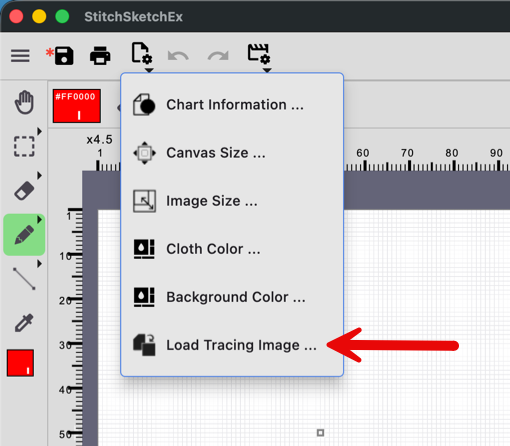
A file selection dialog box appears. Select an image. The chart is now in Tracing Mode.
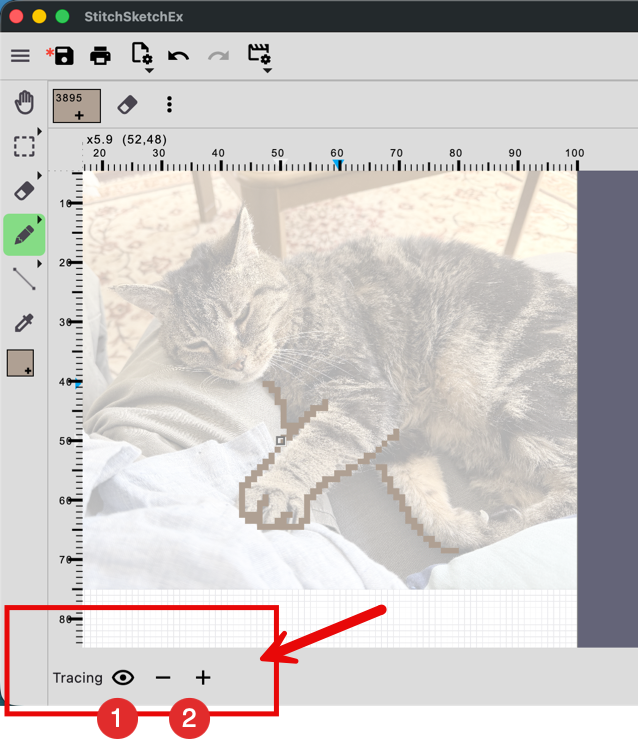
- Turn the image on/off
- Adjust the transparency of the image.
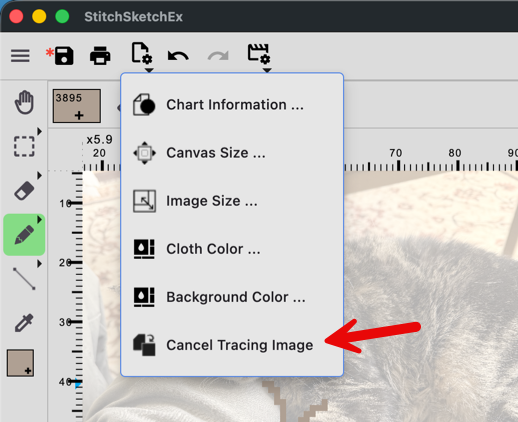
To cancel the mode, use Chart menu -> Cancel Tracing Image.